Lead View
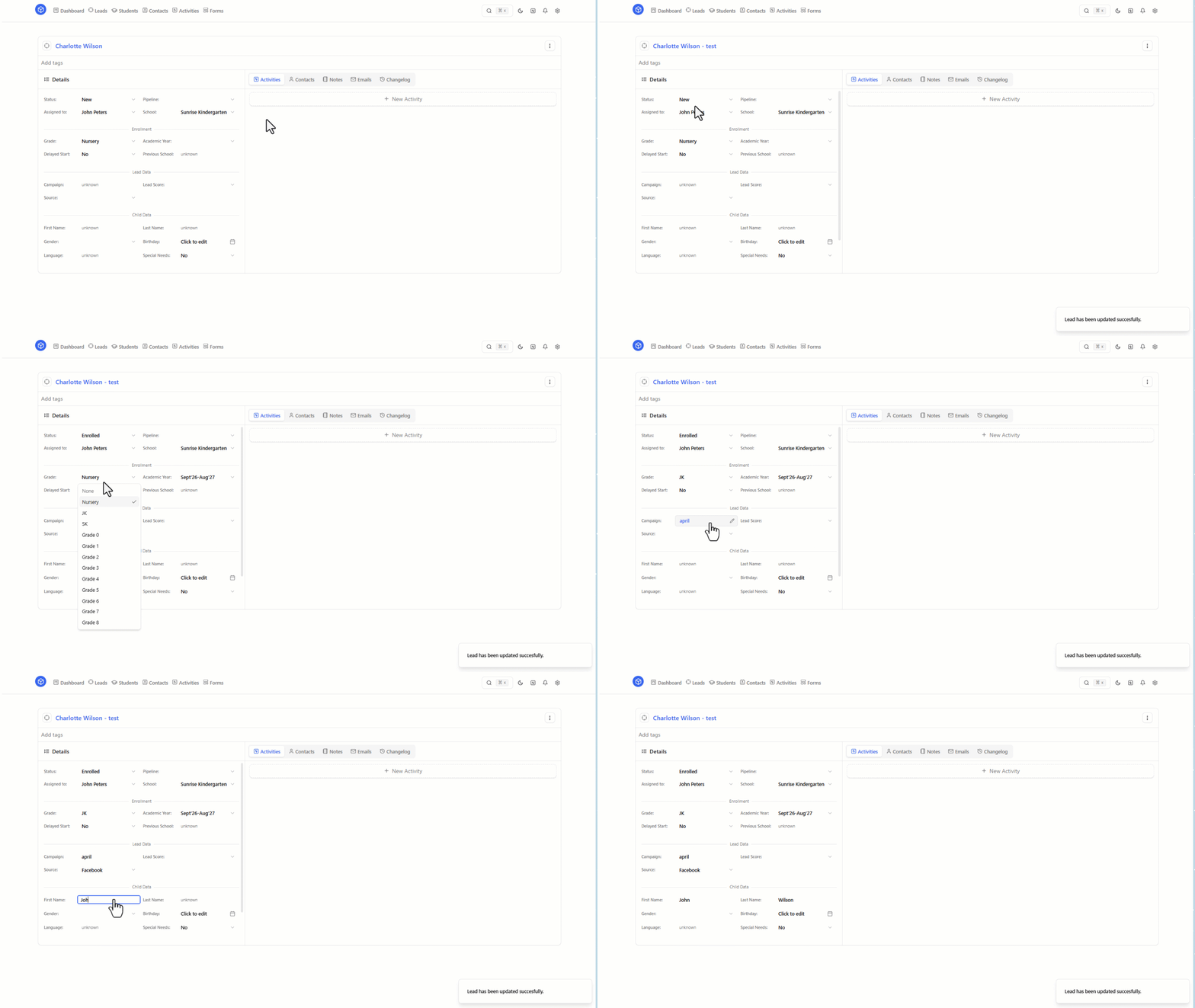
The Lead View is where you manage a single lead record in evvo.
Lead Title
The Lead Title is the main label for the record.
You can write whatever text helps your team manage data more efficiently and recognize the lead quickly in lists, searches, and day-to-day work.
Lead Details
The Lead Details section is where you populate all collected data for the lead.
This can include the information your team gathers from forms, calls, emails, meetings, and other interactions with the family.
Lead Tabs
The Lead Tabs area helps you manage work related to the lead in one place.
From the tabs, you can:
- create activities
- add notes
- manage related contacts
- view the history of changes made to the lead
Top right menu
The top-right menu gives you quick access to key actions for the lead.
From this menu, you can:
- create a Student from the lead
- delete the lead
